A desktop program by UTS
Your company’s digital staff
Offices of AI agents that work for your company: from purchasing and sales, to marketing and a financial advisor, to engineering drawing, video production and specialist research. In a program on your company’s computers: your files stay with you, and nothing leaves without your approval.
- A program on your company’s computers
- Your files and conversations stay with you
- Nothing leaves without your approval

 Kader
From our agents’ work at UTS
Offices
From your daily departments to precise specialisms
Each office has an agent specialised in its work, with its own chat, files and tools, and what awaits your approval. Open any office to see what it handles and samples of our agents’ work.
Your daily departments
Offices that run everyday work in full.
- PurchasingThe whole purchasing department, from request for quotation to invoice.Open the office
- Sales and quotationsQuotations, contracts, and each offer followed until it is accepted.Open the office
- Customer careAnswers to your customers from your company’s information, within what you allow.Open the office
- PROYour company’s government transactions and their deadlines, from the commercial registration to staff residence permits.Open the office
Deeper minds
Offices that analyse, plan and produce.
- Marketing agentsThe week’s plan and posts, designed, in both languages.Running today at UTSOpen the office
- Market assistantYour market in Qatar studied, and your prospects listed with their sources.Open the office
- Financial advisorReads, analyses and advises on your financial reports, and never writes in your books.Open the office
- Identity and materialsYour profile, document templates and print in your identity, in both languages.Open the office
Precise specialisms
For work that needs specialists.
- Engineering drawing and take-offDrawings in AutoCAD DWG, with DXF and PDF, and quantity tables.Open the office
- Video production and editingTutorials, promos and documentaries, in Arabic and English.Open the office
- Legal AffairsContracts drafted and reviewed clause by clause.Open the office
- AuditorYour books reviewed before the external auditor.Open the office
- Specialist researcherResearch in your field on demand, every statement to its source.Open the office
- Document controllerEvery paper in your company comes in through one door: read, numbered, and its original kept as it is.Open the office
Running today in UTS’s own departments: marketing and posts. Your company’s offices are built with you, for its work.
Our work
Real work by our agents
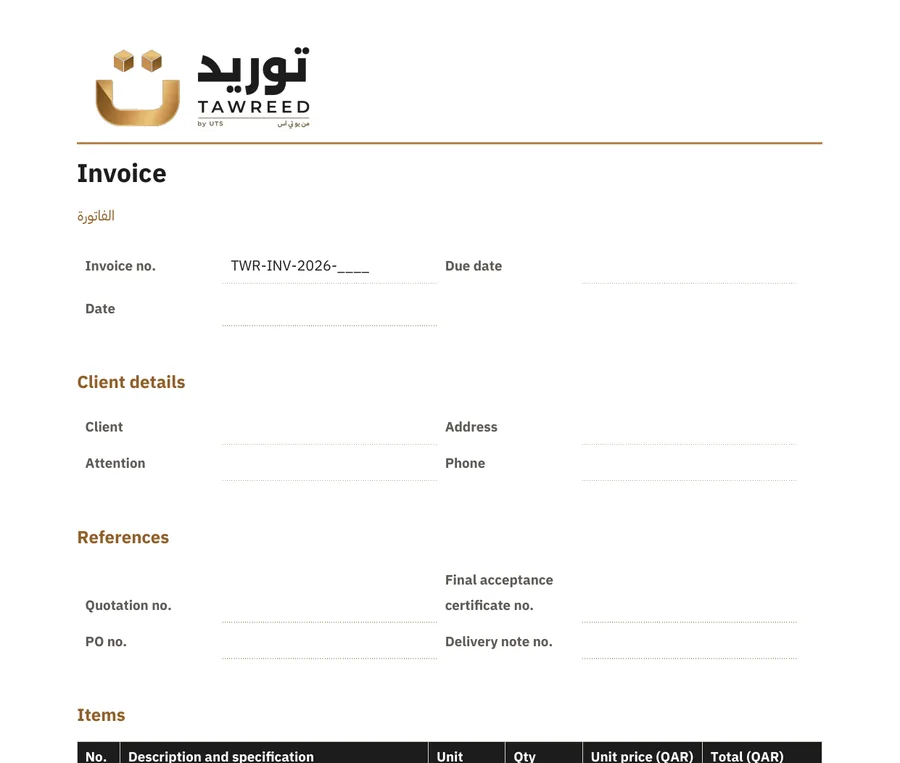
Published or ready-to-deliver work for UTS’s products and the Mishkat channel, produced by our agents and reviewed by our team.

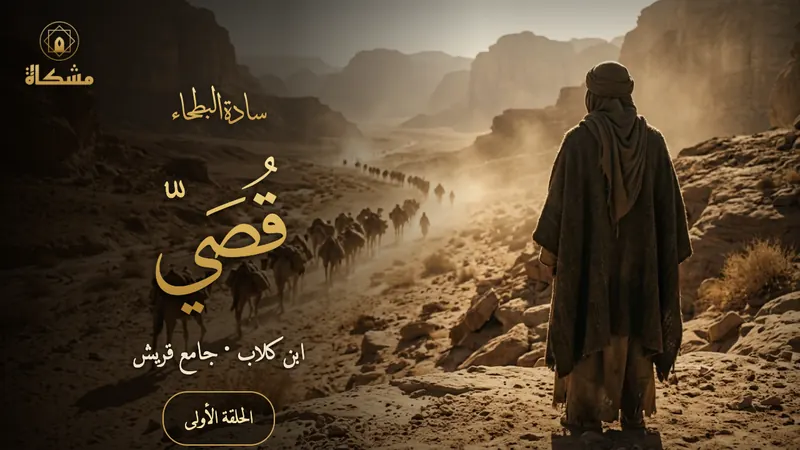

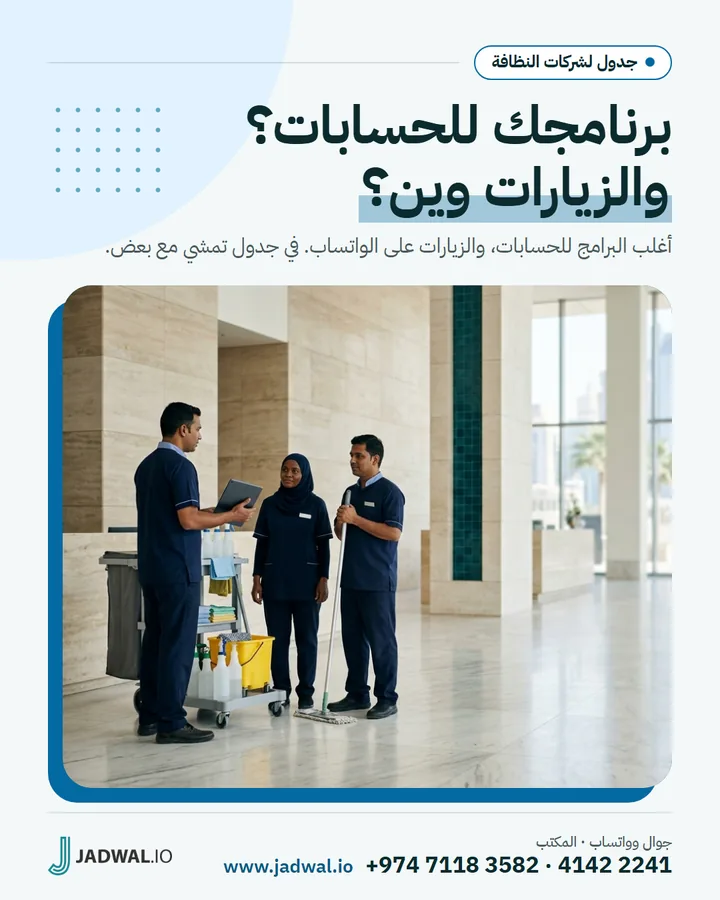
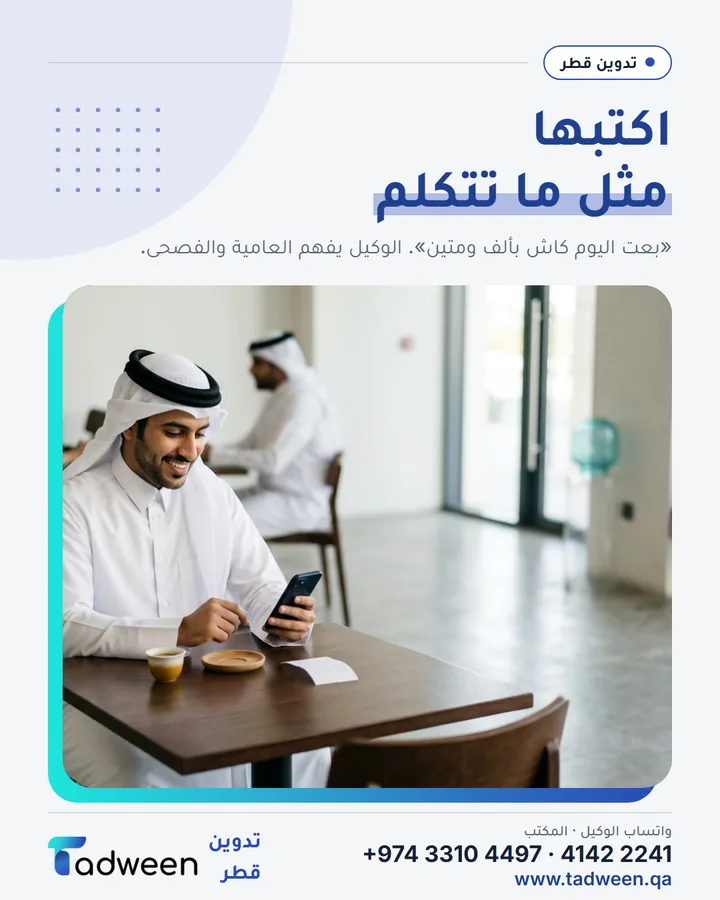
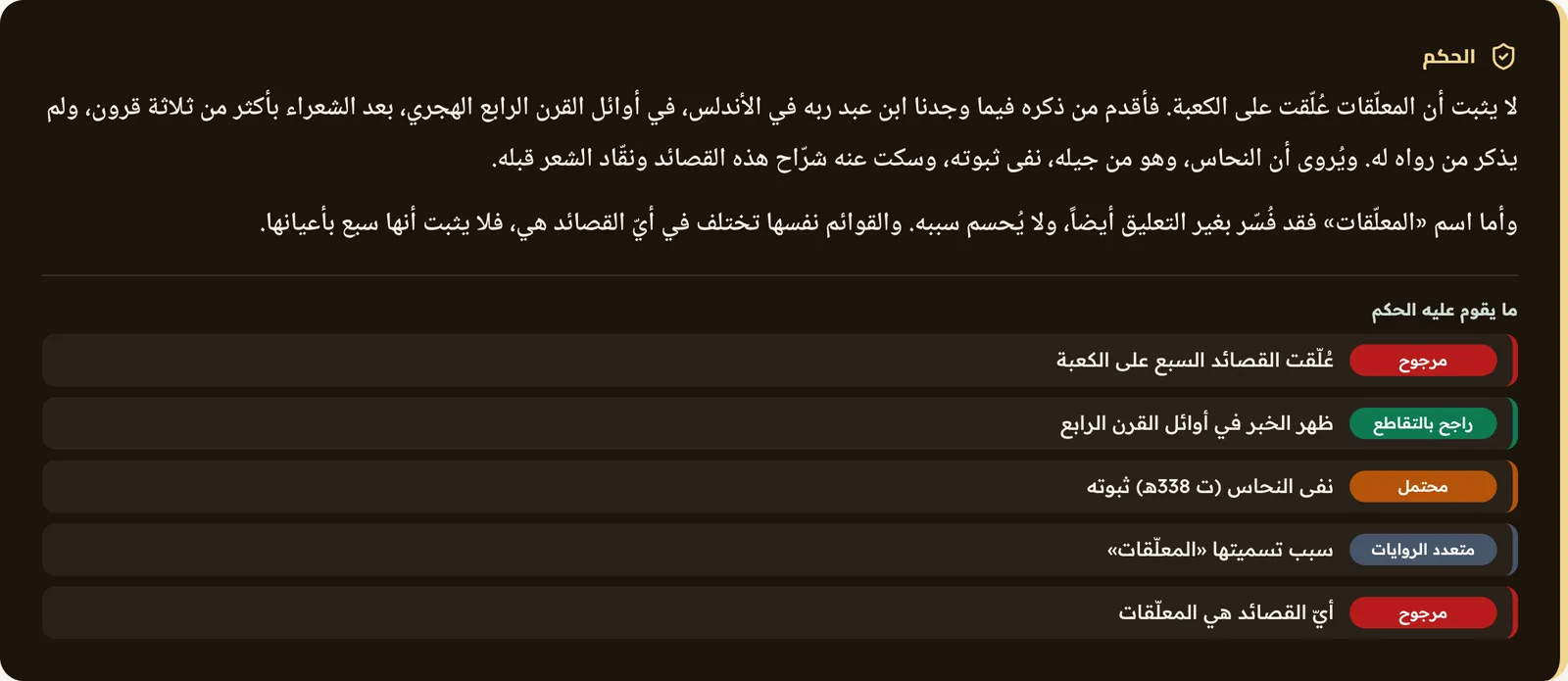
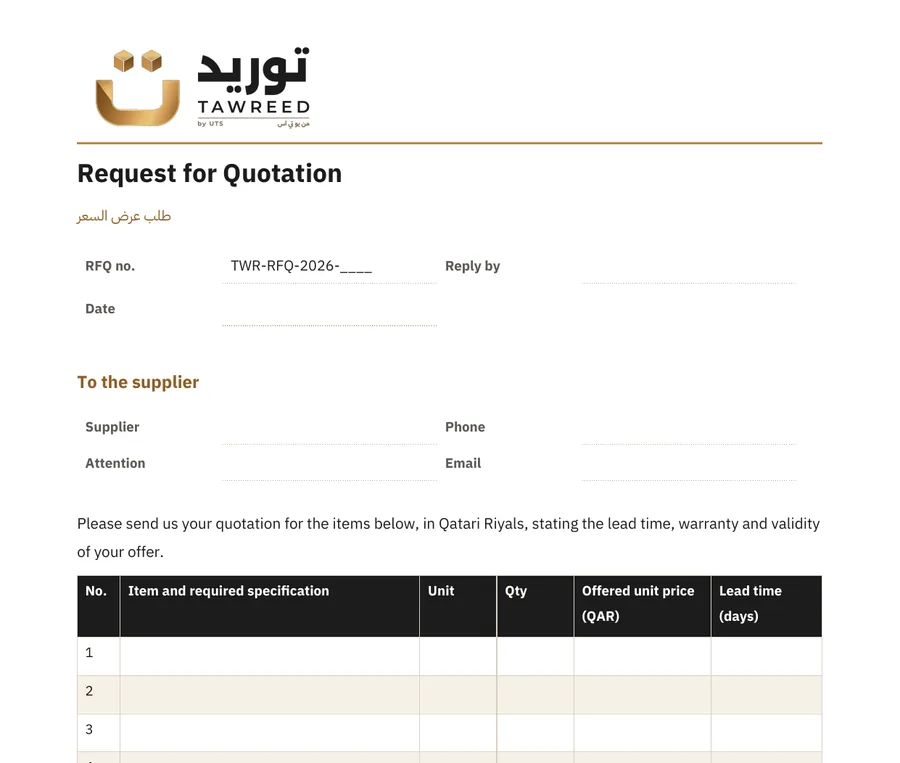
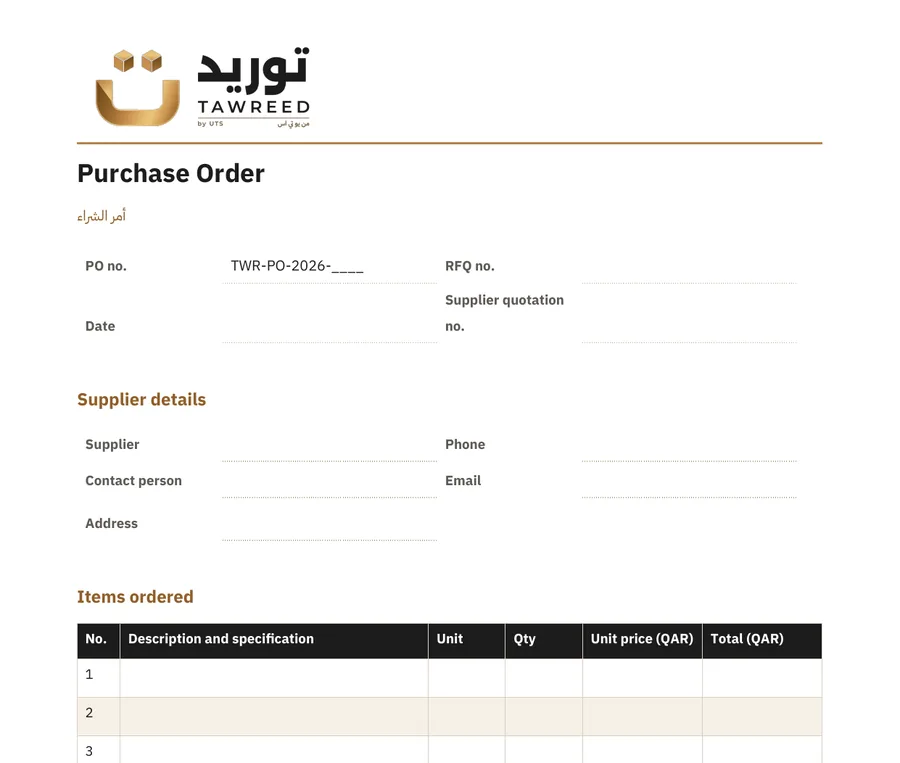
Privacy
A program on your company’s computers. Your files and conversations stay with you, not in our cloud.
Kader is not a website you upload your files to. It is a desktop program that runs on your company’s computers: one machine in the company hosts it, and your staff join from its internal network, each with their own account.
- Your files stay with youYour files and conversation history stay on your company’s computers, not in our cloud.
- Nothing leaves without your approvalEvery message or post outside the company is a draft until the manager approves it.
- Each office in its own roleAn agent works inside its office’s folder, with its named tools only.
- An account for each personEveryone signs in with their own account and sees what their permissions allow.
To a client or the public
How it works
From setup to approval
- 1SetupWe install Kader on a host machine in your company and set up its offices and your staff accounts.
- 2The requestOpen the office, ask in Arabic or English, and drag your files into it.
- 3The workThe office works on your files and saves what it produces there.
- 4ApprovalEverything going to a client or the public waits for your approval.
- Office
- +974 4142 2241
- info@uts.qa
UTS Trading & Services W.L.L. · CR 232959